
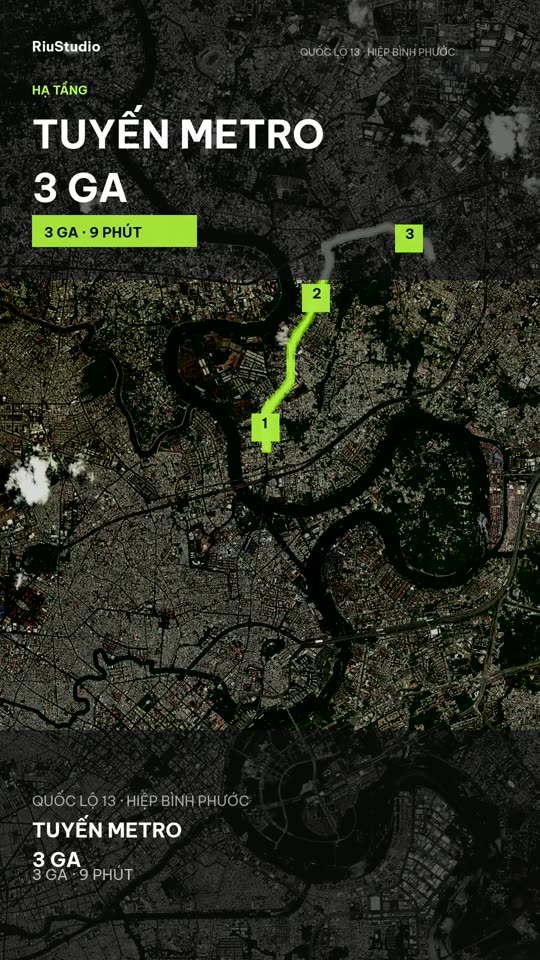
Real maps, not made-up locations.
Geocode the address, measure the route with OSRM and render satellite tiles. Every stop has a real name and distance — exactly what viewers need to believe it.
RiuStudio reads your brief, builds the scene plan, adds real maps, voiceover and captions — then renders a 9:16 video right on your machine.
Approve the first step once and the rest runs to the video. After that, edits only mark the project as “needs re-render” — you press the button when you're done.
Step one
A brief, real photos and a few places are enough. RiuStudio reads the intent, extracts the facts and knows which scene needs a map and which needs type.
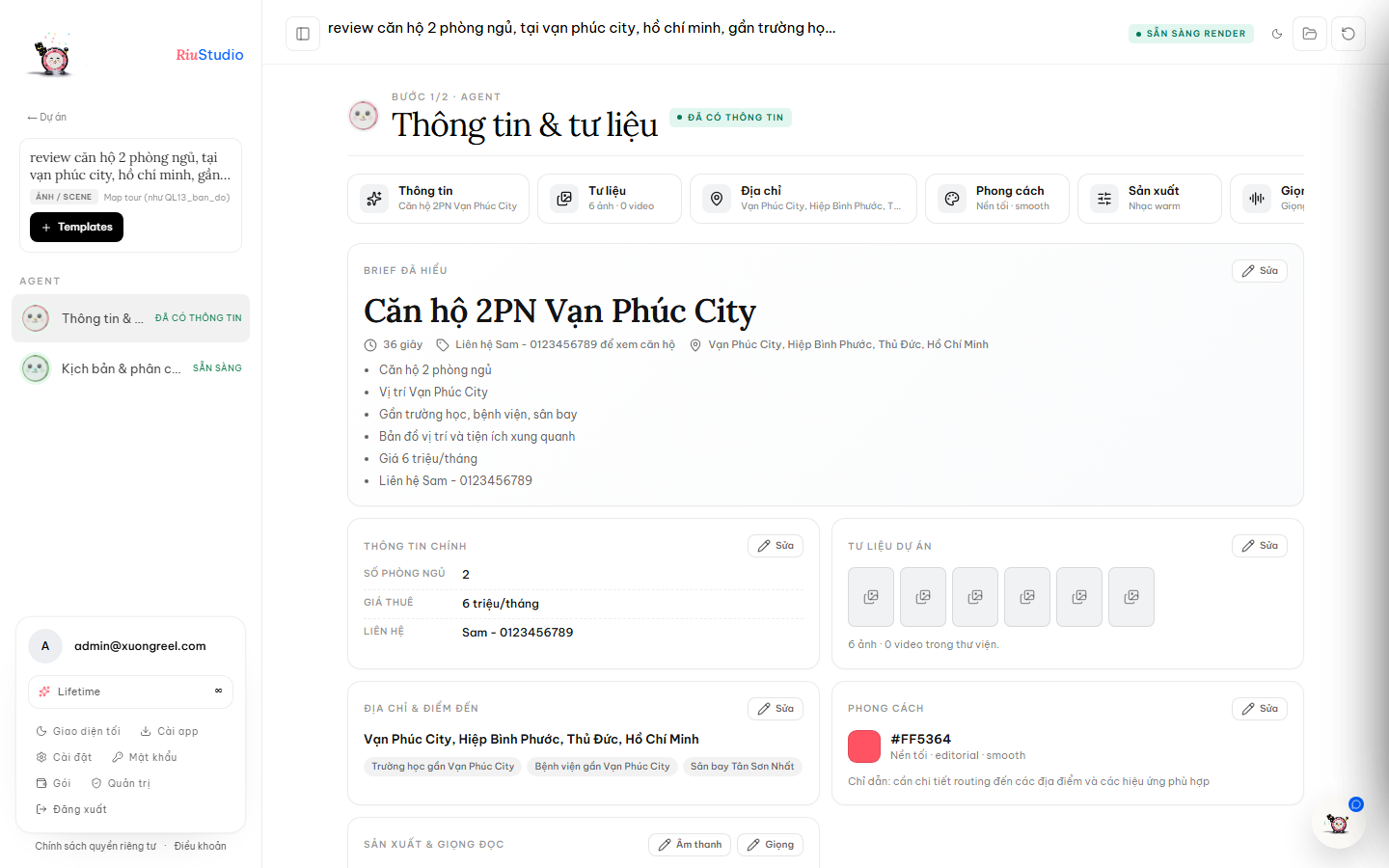
Step two
Each scene is a card with its own layout, duration, captions and motion. Preview in 9:16, drag to reorder and edit a line — without rewriting the prompt from scratch.
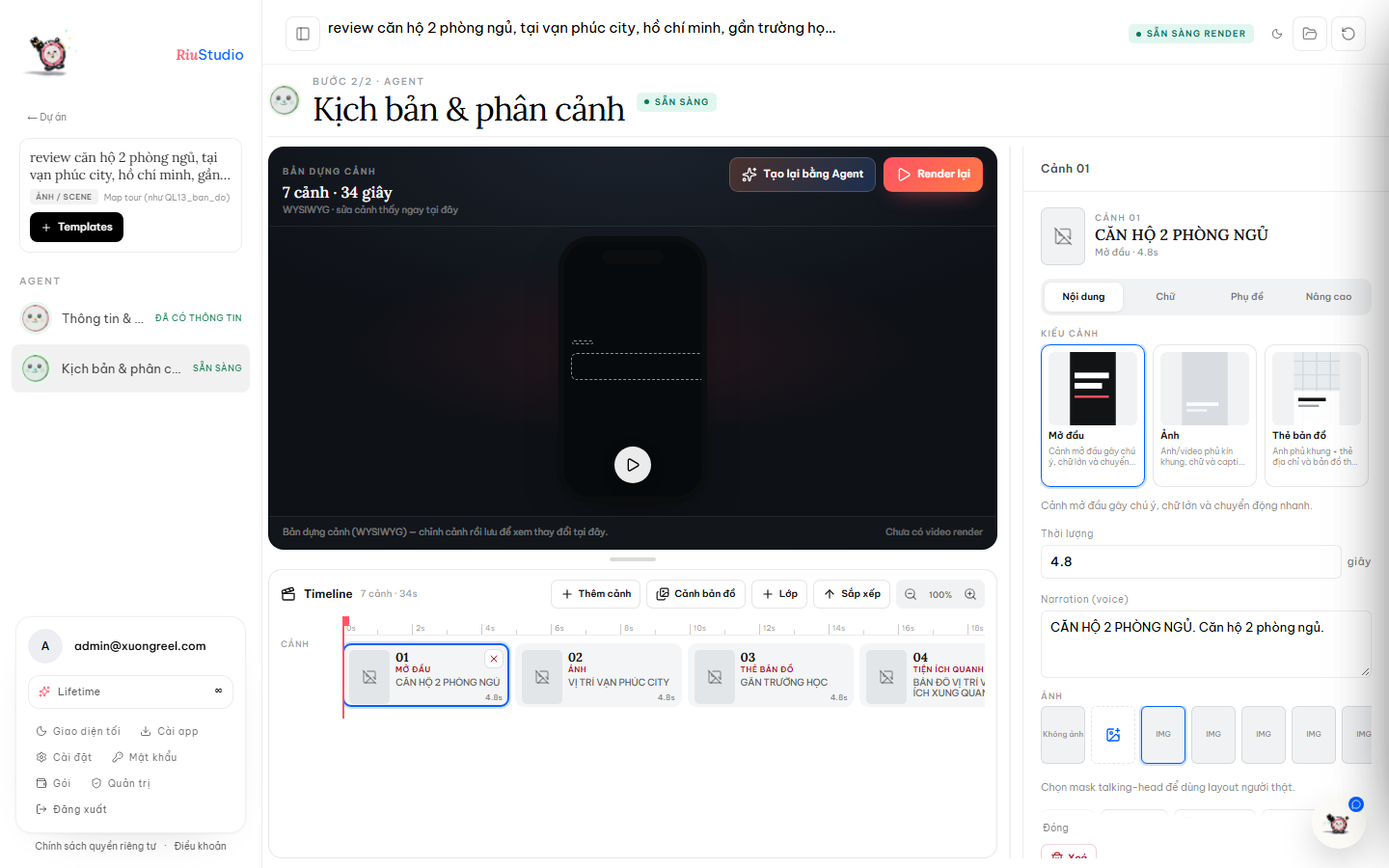
Step three
WebCodecs builds a 1080×1920 video in the browser. It prefers MP4/H.264 + AAC and falls back to WebM/VP9 when the device needs it. Download when it's done.
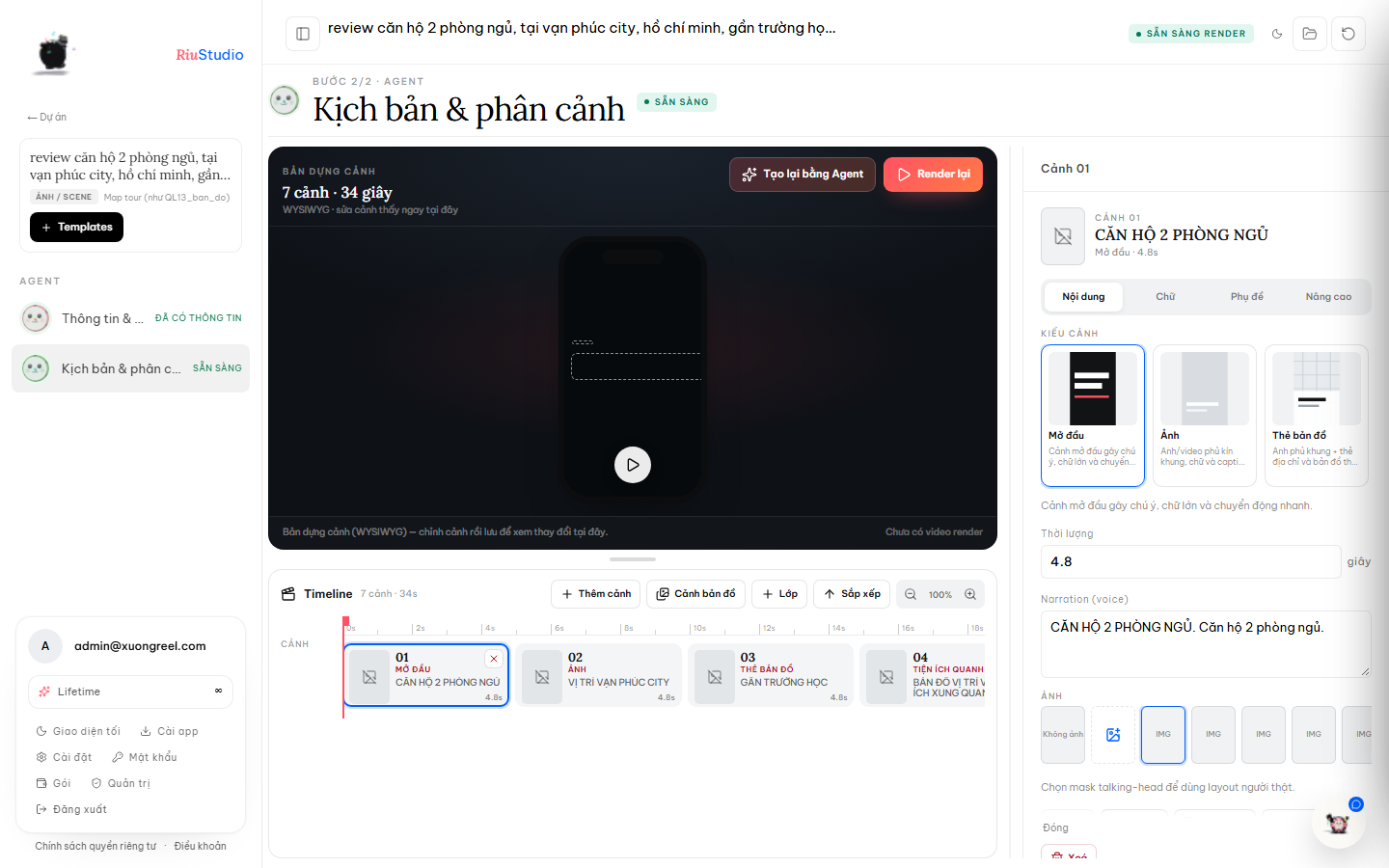
No forcing every video into one template. The agent reads the content and picks the layout, motion and pacing — you can still change every scene in the timeline.
Geocode the address, measure the route with OSRM and render satellite tiles. Every stop has a real name and distance — exactly what viewers need to believe it.
Kinetic type, masks, blur, clip and stagger that follow the read.
Word-pop, active-word boxes, karaoke and minimal styles.
iMessage, WhatsApp and SMS conversations that appear message by message.
Bars, lines, count-ups and function graphs built from real data.
CIT Voice Studio generates offline voiceover. Text never leaves the device; switch to a cloud provider in Settings when you need one.
CIT Voice Studio is an open-source project by Cuongyd196 — thank you for sharing it. Open the CIT Voice Studio repo ↗
Every map scene goes through the same pipeline: geocode → measure route → render tiles. The video tells the right place, distance and travel time.
Photon and Nominatim turn addresses into real map points, with a clean place name for the video.
OSRM returns the route and travel time. The map scene draws the actual path, not a decorative arrow.
Group every place into one overview scene, or split each place into its own scene — driven by the script, not locked by a template.
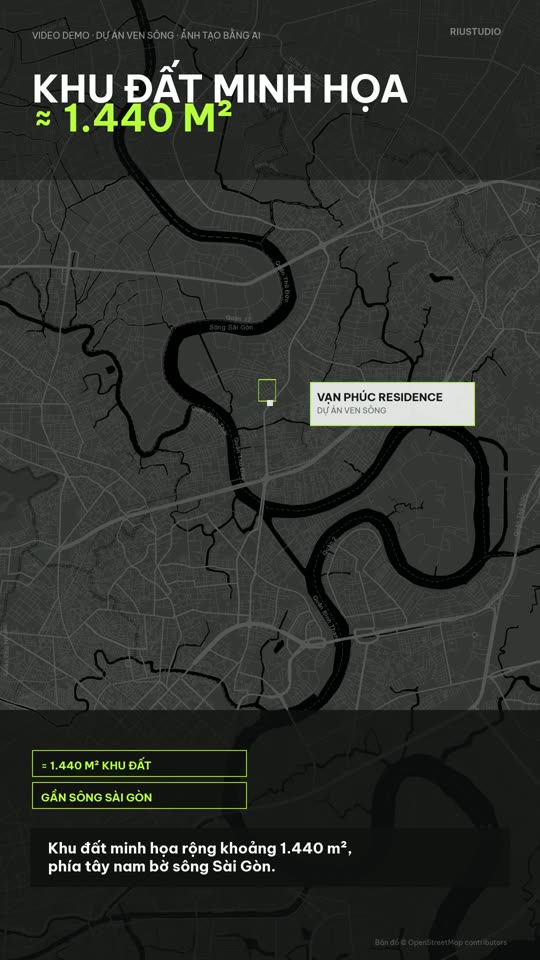
Map tour built from a real address in the project.
Every card is a real video built by the engine. Hover to preview, click to open.
RiuStudio is browser-first: heavy work runs locally, and only what is necessary reaches the server. Client assets never become someone else's training data.
Video is encoded in the browser. No upload, no server queue, no waiting for someone else to render it.
Photos, source video and output files stay on your device. RiuStudio reminds you to download the video after rendering.
With Claude or a cloud TTS provider, the key lives in IndexedDB and calls the provider directly. Our server never holds it.
What people ask before building their first reel. Missing an answer? Email the team.
hello@samlution.comRiuStudio is a vertical video studio that runs in your browser. You provide a brief, photos and places; it writes the script and scene plan, adds voiceover and captions, then renders a 9:16 video at 1080×1920.
No. RiuStudio runs in Chrome or Edge. For high-quality offline voiceover you can optionally install CIT Voice Studio — a small local app that never sends your text outside your machine.
No. Rendering happens in the browser with WebCodecs; source photos, video and output files live in OPFS on your device. Download the video as soon as rendering finishes.
No. The default is CIT Voice Studio running offline with voices. You can switch to VieNeu, ElevenLabs or OpenAI and enter an API key — the key is stored only in IndexedDB in your browser.
RiuStudio geocodes the address, measures the route with OSRM and renders map/satellite tiles inside the scene. Place names and travel times are real data, not invented numbers.
Next.js and React for the interface, WebCodecs + MediaBunny for browser rendering, and Drizzle/PostgreSQL for project data. Captions, kinetic type, map tours, charts and talking-head scenes are all built by our engine.
RiuStudio does not offer public sign-up. The RiuStudio team creates accounts by email. For access or support, email hello@samlution.com.
Videos are built from your own assets. Background music comes from Creative Commons sources (CC0, PDM, CC-BY) and is credited in the project. Check the licence of any asset you upload before running ads.
Send us an idea and watch it become a vertical video. No install, no asset upload to a server.
Accounts are provisioned by the RiuStudio team · hello@samlution.com